
Instructions for installing the FuelMor Driver App v2 (FDA v2) onto a device that has Android operating system
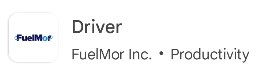
1. On your Android device, open Google Play Store.
Search for "FuelMor Driver" and click on Install.
--------------------------------------------
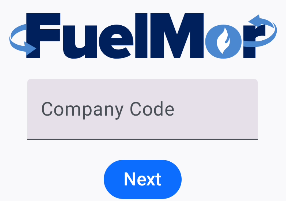
2. After installed, click on Open. Enter company code, click on "Next".
---------------------------------------------
3. Sign in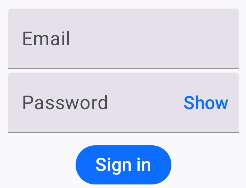
---------------------------------------------
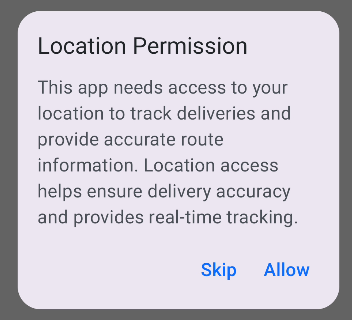
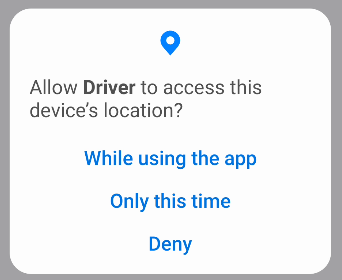
4. Location Permission. Click on "Allow"
---------------------------------------------
5. Allow Driver to access this device's location? Click on "While using the app"
--------------------------------------------
6. Install completed.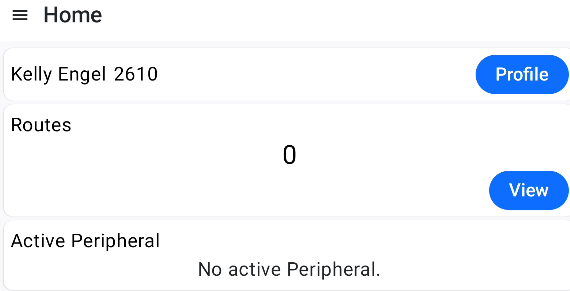
Click here for other topics covering FDA v2